talkaDevice · voice AI on your own hardware
talkaFlow, built into your hardware
We build the talkaFlow voice AI into the device you want it in. It runs today in a counter-top call appliance, on the self check-in iPad in a clinic waiting room, and in the talkaCompanion on a bedside table. Tell us what you want it in next.
Counter-top call appliance · self check-in iPad · talkaCompanion · your own device on request
Running today
Three devices it already runs in
Each of these is a real device you can read about on this site, not a plan. Start from one of them, or bring your own.
The counter-top call appliance
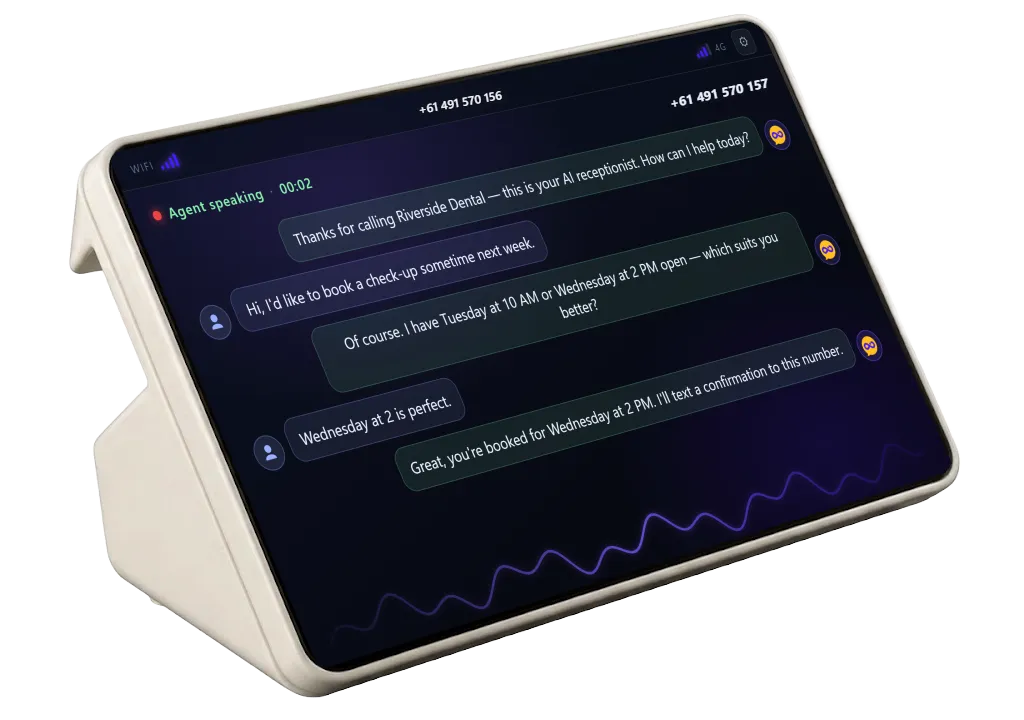
A standalone touchscreen that answers real phone calls over a SIM card (4G) or an IP-SIP line via ethernet, and shows the live conversation. No computer, no PBX. It is the rest of this page.
See its specsThe self check-in iPad
talkaCheckIn runs on the iPad your clinic already owns, on a stand by the door or on a kiosk: patients find their booking, confirm it is them, and are checked in.
Explore talkaCheckInThe talkaCompanion
A small voice companion with a warm face, a weighted base and far-field mics, that talks naturally and remembers the person it is bound to, day after day.
Explore talkaCompanionYour device next
A kiosk, a desk phone, a panel on a wall, a board inside a product you build yourself: tell us what you want talkaFlow in, and we will tell you what it takes.
Tell us what you want it inLive on screen
Watch it take a call
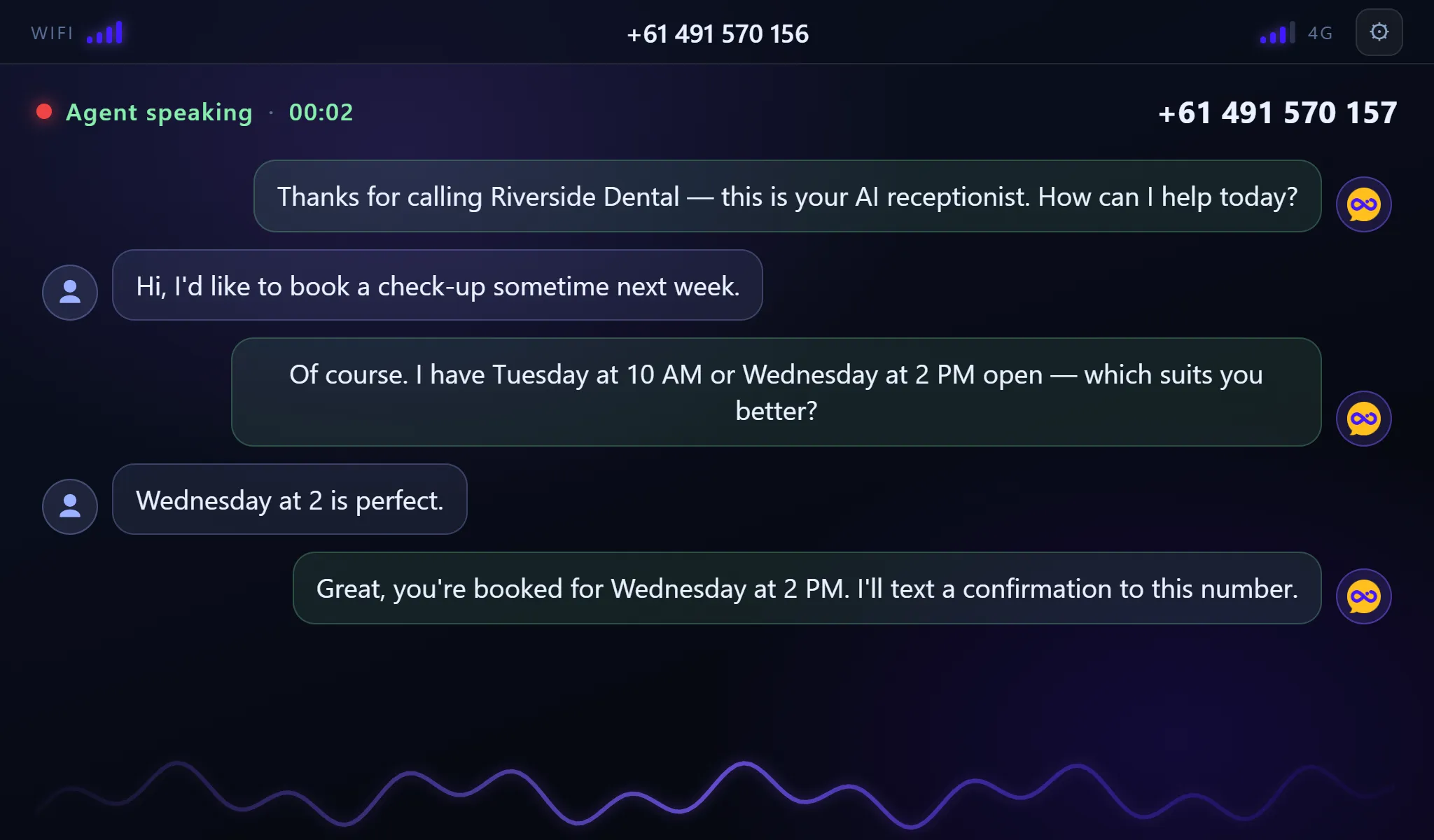
Every call answered by your AI agent — the whole conversation, right on the counter.
Ready
Waiting for calls
Incoming call
+61 2 5550 4567
“Good morning, thanks for calling — how can I help?”
00:12
Call handled
Appointment booked · logged to portal
Worked example · the counter-top appliance
From box to answering calls in minutes
No PBX, no softphone, no wiring into your phone system. It is a self-contained appliance — power it, pair it, done.
- 1
Plug it in
Insert a SIM for 4G, or plug an IP-SIP line into the ethernet port (RJ45) — then power it on. That is all it needs: no computer, no phone system, no PBX.
- 2
Pair in a minute
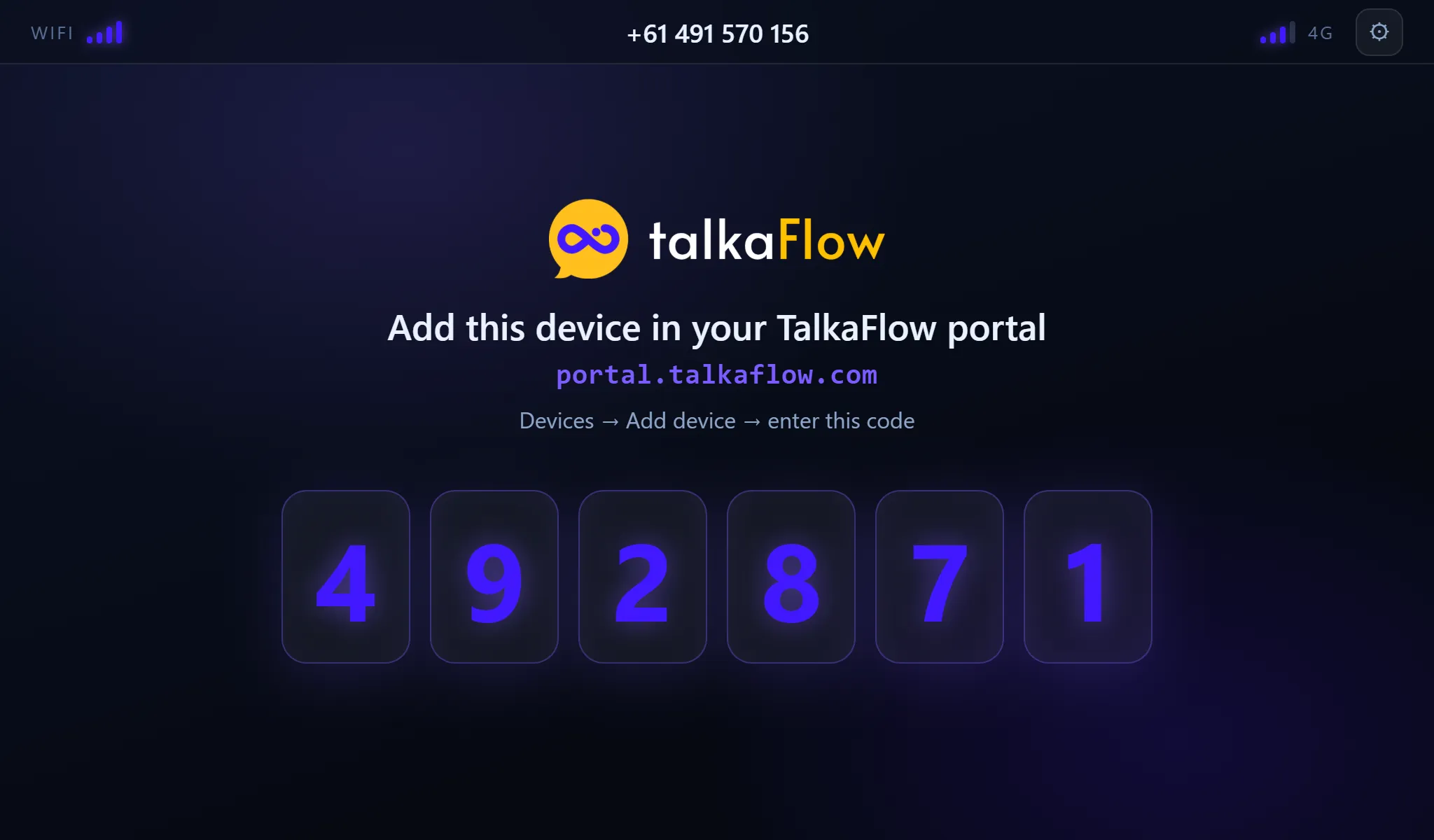
The screen shows a 6-digit code. Enter it in the talkaFlow portal and assign a voice agent. That is the whole setup.
- 3
It answers, you watch
Every call is answered by your AI agent — the live transcript, caller number and timer show on screen, and the call lands in your portal like any other.
What you get
A whole AI phone line in one little box
Answers real calls
It answers real phone calls on its own — over a SIM card (4G) or an IP-SIP line via ethernet (RJ45). No computer, no PBX.
Live on-screen transcript
The whole conversation, caller ID and call timer on the 7-inch touchscreen, as it happens.
No computer needed
A self-contained appliance — power plus a SIM card or an IP-SIP line is all it takes.
Pairs in a minute
A 6-digit code links it to your portal and voice agent — no technician, no install.
On-screen Wi-Fi setup
Scan, connect and verify Wi-Fi right on the touchscreen, with an on-screen keyboard.
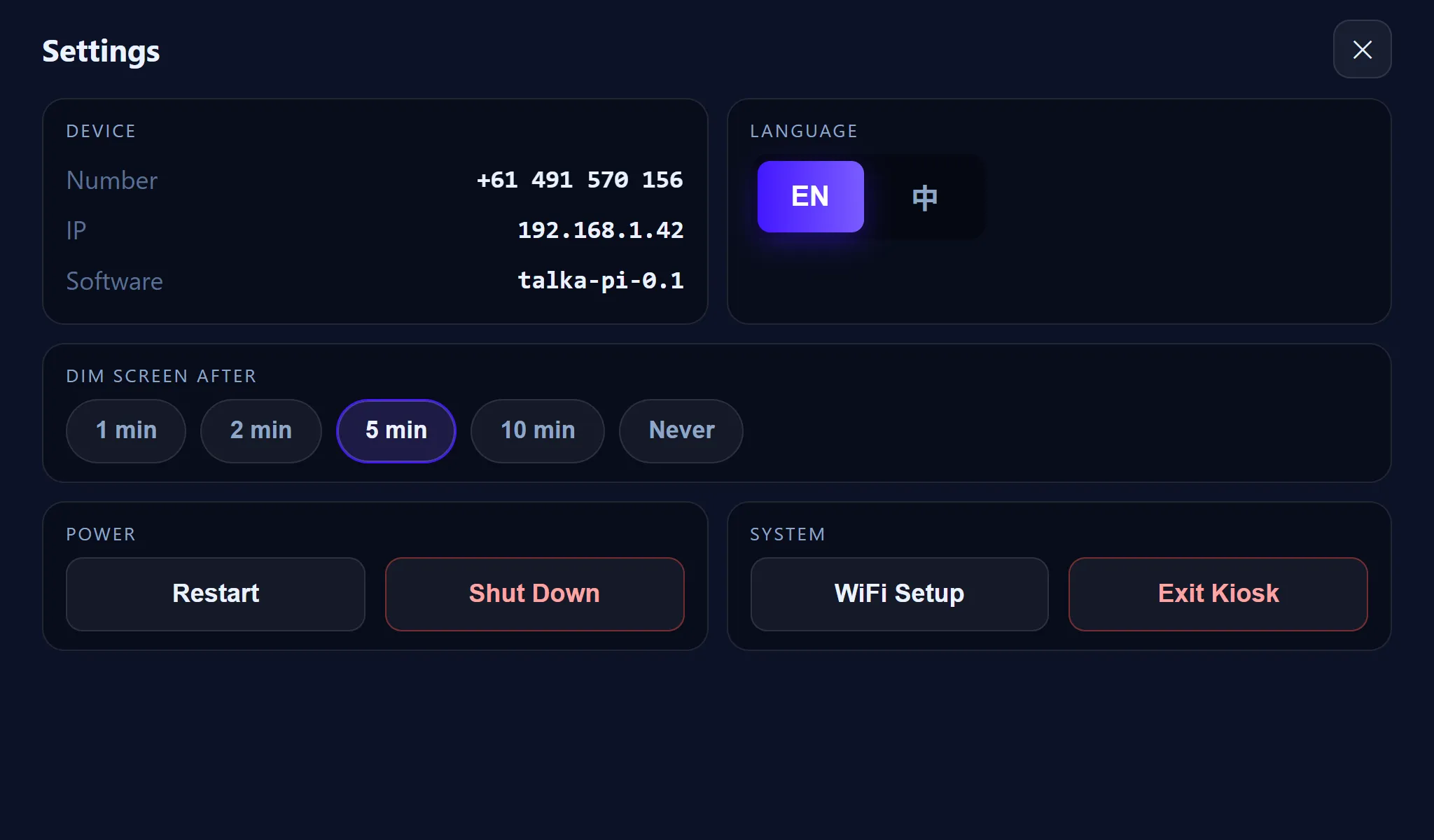
Multi-language interface
Choose the on-device screen language in Settings — with more languages added on request.
Caller ID in the portal
Every call — number, transcript, recording — lands in your talkaFlow portal history.
Set-and-forget
Auto-starts on boot, dims when idle, wakes on touch. Leave it on the counter and forget it.
On screen
The whole call, right there on the counter
Want talkaFlow in a device?
Tell us about your clinic, your business, or the hardware you have in mind, and we’ll get a talkaDevice set up and paired for you.